For the searchable preference tables, both credited measurement reports and friendship patterns, use the customer quick reference. This page explains how to use those clues in a commission.
Use preferences to choose a direction
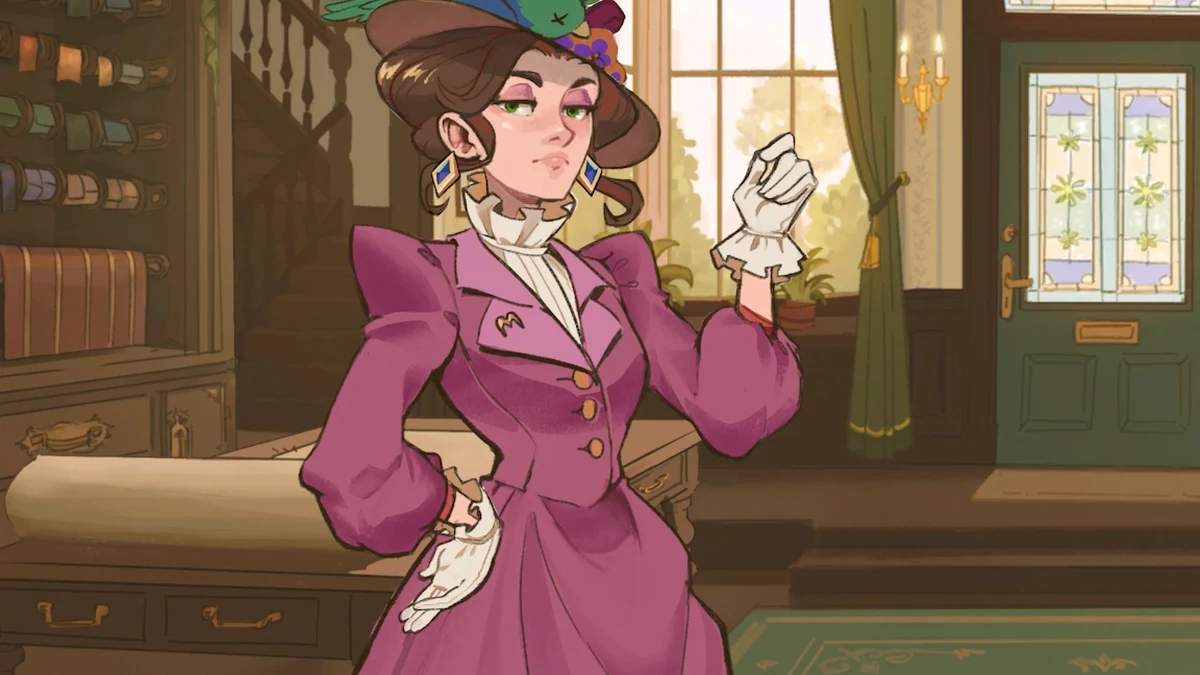
Image: official Cozy Lives / Free Lives media.
The linked quick reference collects credited community clues and includes character spoilers. Use a preferred style or colour to choose a direction, then compare it with each requirement in the active brief. The preference is not a substitute for the brief.
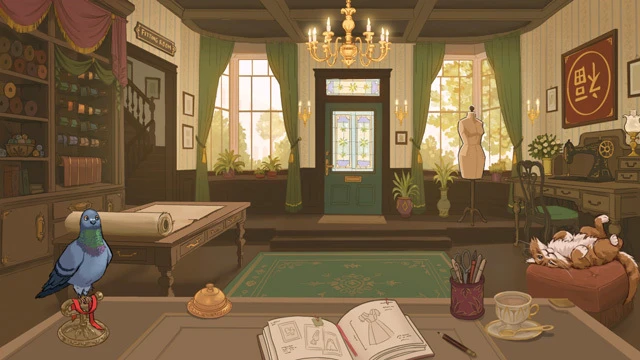
The redesigned July front desk is a shop scene, with no customer in the image.
- The open notebook, tea and bird help identify the scene.
- Confirm your active customer through the current project rather than interpreting this scene as a portrait.
Pre-release media published July 28, 2026. This image does not establish the Build 443 interface or item unlocks.
Cozy Lives / Free Lives
Read the original publicationA measurement table is a second reference
The dimensions are player reports. Match the customer, units and your own display before comparing values. If something differs, check your reading and version first. The presence of a number in a table is not a promise of perfect fit.
Why a favourite colour may still miss the commission
List this project’s quality, style, accessory count and limits. Personal taste gives background; a specific commission can ask for more. Identify the missing condition, then try a focused adjustment that keeps the parts of the design you already like.
Where to go next
- Dressmaker commission rejected? Check targets and limits
- Dressmaker measurements: check the customer and mannequin
- Dressmaker achievements: all 32 names and visible conditions
How do you return to the correct person after a break?
The July desk image is a view of the shop, with an open notebook, tea and a bird. No customer appears in that capture. Use it as a scene reference, then read the person and commission actually open in your own game.
Build 403 says the bell summons the next customer. Build 443 reminds players that the sketchbook can page through other open commissions. These are different interactions: arriving at the desk and selecting an existing project should not be combined into one assumed active customer.
Keep three lines beside a project: the person’s name, the active brief, and any preference you want to incorporate. If a preference conflicts with a requirement, resolve the current brief first. After switching notebook pages, re-read those lines before buying a material.
The sketchbook guide covers project selection and the measurement guide covers the person-specific setup. This expansion was checked 21 October 2026 against Build 403, Build 443 and the official July development image. The existing preference tables remain attributed community reports.
Where can you check each customer’s pattern rewards?
Each profile includes preferences, friendship-star patterns, the personal achievement and both ham’s and dreamcatcheross’s measurement reports. Some values differ by 0.1–0.2; compare your actual game readout rather than treating one table as guaranteed input.
Sources and version
Reviewed on 9 October 2026. Player observations are identified in the guide; check controls against your installed version.